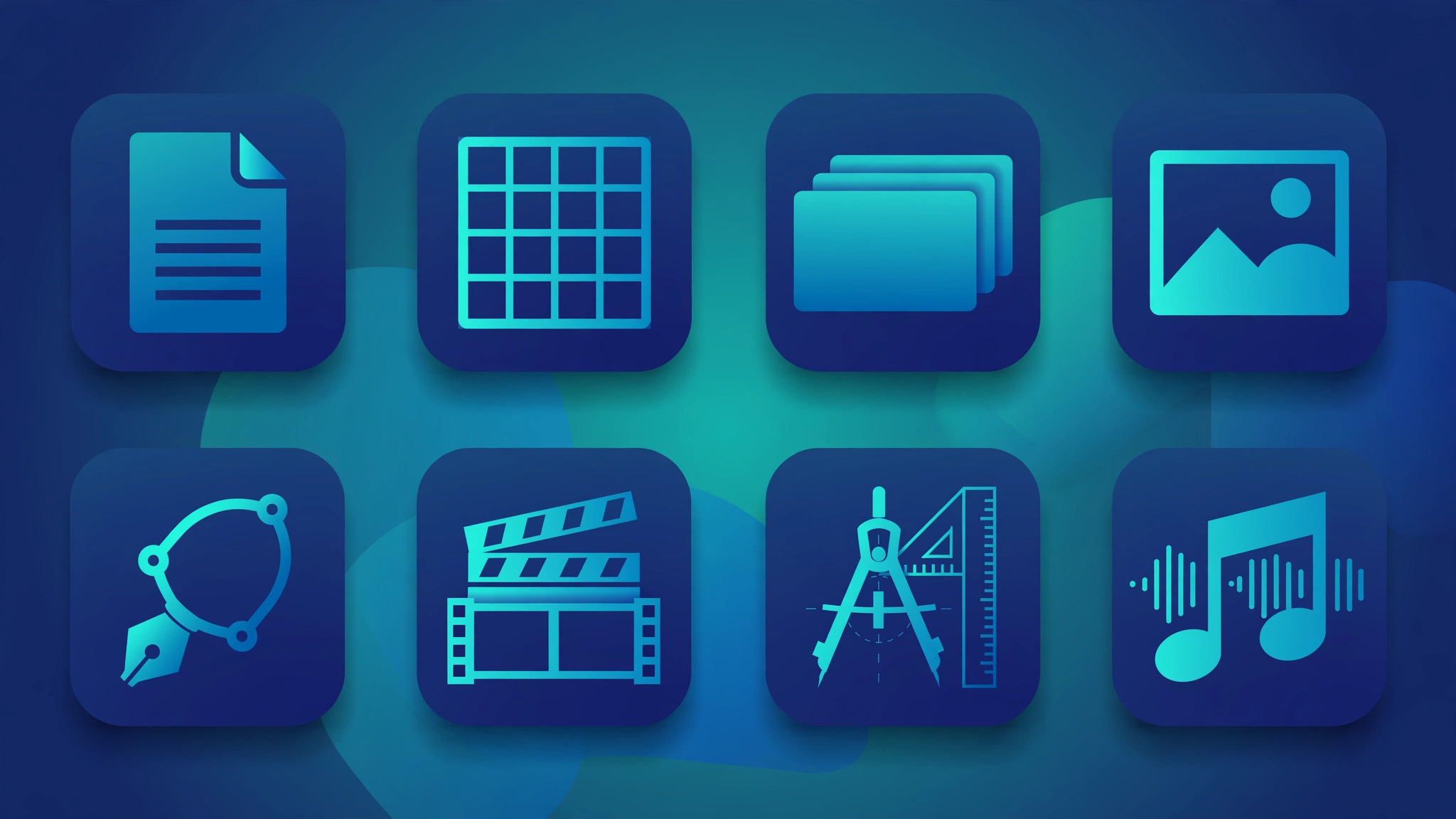
Quick answer: ArtCraft, a project by developer Brandon Thomas, has released free, open-source replacements for Microsoft Word, Excel, PowerPoint, Adobe Photoshop, Illustrator, Premiere Pro, AutoCAD, and more. They open your real files (.docx, .xlsx, .pptx, .psd), run on Mac, Windows, Linux and in your browser, and are free forever with no subscription. Download them from getartcraft.com or GitHub.
What if you never had to pay for Microsoft Word, Excel, Photoshop, or AutoCAD again? A developer just rebuilt all of them as free, open-source tools you can download today and keep forever. Here is the full breakdown: what each tool replaces, what it can do, and how to get it.
What Is ArtCraft?
ArtCraft is a project by software engineer Brandon Thomas (known on Reddit as u/ai_art_is_art, with around 15 years of software experience). His mission is simple: rebuild expensive subscription software as free, open-source alternatives that anyone can download and keep.
The twist? He built them with AI. The GitHub history lists Claude Opus 5.5 as a co-author, with multiple AI agents writing code in parallel. The apps are written from scratch in Rust, a programming language known for speed, so they run natively instead of feeling sluggish like many web-based tools.
Everything is clean-room reimplementation, meaning no Microsoft or Adobe code was copied. The projects are not affiliated with Microsoft or Adobe. They are released under open-source licenses (MIT / Apache 2.0), which is what makes them free forever.
WordCraft: The Free Microsoft Word Replacement
Replaces: Microsoft Word
Opens your files: Yes, reads and writes real .docx files.
WordCraft looks and works like Word, with the familiar ribbon interface, paragraph styles, tables, tracked changes, comments, references, and mail merge. According to the developer, it currently covers about 87 percent of Word’s ribbon commands and roughly 62 percent overall feature parity.
Use cases: Writing reports, resumes, letters, school assignments, or anything you would normally type in Word.
Benefits: No Microsoft 365 subscription. Your .docx files open directly, so you can switch without converting or reformatting everything.
GridCraft: The Free Microsoft Excel Replacement
Replaces: Microsoft Excel
Opens your files: Yes, reads and writes real .xlsx files.
GridCraft is the most developed of the three Office replacements. It includes more than 500 spreadsheet functions, PivotTables, dynamic arrays, LET and LAMBDA formulas, charts, and a full formula bar with sheet tabs. The developer estimates it covers about 89 percent of Excel’s ribbon commands and 93 percent of worksheet functions, or roughly 65 percent of what an advanced Excel user needs in practice.
Use cases: Budgets, expense tracking, data analysis, business dashboards, grade sheets, or any number-crunching you do in Excel.
Benefits: Free forever, plus a standout AI feature (more on that below): you can connect GridCraft to Claude and have AI build entire spreadsheets for you with a single command.
DeckCraft: The Free Microsoft PowerPoint Replacement
Replaces: Microsoft PowerPoint
Opens your files: Yes, reads and writes real .pptx files.
DeckCraft handles slide editing with themes, layouts, images, tables, charts, transitions, animations, slide masters, and a presenter view. It is the earliest-stage of the three, at about 79 percent feature coverage and working toward its first alpha release.
Use cases: Class presentations, business pitch decks, training slides, or conference talks.
Benefits: No PowerPoint license needed. Open your existing .pptx decks and keep presenting.
PhotoCraft, VectorCraft and FilmCraft: The Free Adobe Replacements
Replace: Adobe Photoshop, Illustrator and Premiere Pro
These came first and are the most mature. In their first week, the seven original ArtCraft apps collected over 22,000 GitHub stars. PhotoCraft alone contains more than 256,000 lines of Rust code, has all 625 of Photoshop’s menu items wired up, and opens real PSD files. The developer estimates around 86 percent coverage of mainstream Photoshop features.
The lineup also includes LightCraft (Lightroom), PrintCraft (Acrobat), EffectCraft (After Effects) and DesignCraft (InDesign).
Use cases: Photo editing, graphic design, logo work, video editing, PDF handling, and motion graphics, without Adobe’s monthly subscription.
Benefits: This is the big one for creators. Adobe’s subscription costs add up to hundreds per year. These do the same jobs for zero.
CADCraft: The Free AutoCAD Replacement
Replaces: AutoCAD
CADCraft is ArtCraft’s take on professional CAD software for technical drawing, floor plans and 2D drafting. It is part of the 12-app ArtCraft Launcher catalog.
Use cases: Floor plans, architectural sketches, engineering drawings, or technical diagrams.
Benefits: AutoCAD licenses cost thousands per year. A free alternative puts professional drafting within reach of students, freelancers and small firms.
SoundCraft: The Free Pro Tools Replacement (Coming Soon)
Replaces: Avid Pro Tools
SoundCraft is announced as a rebuild of Pro Tools-style audio production software and is currently listed as coming soon. If it follows the pattern of the other Craft apps, expect a free, open-source digital audio workstation.
Use cases (once released): Music production, podcast editing, and audio post-production.
They Open Your Real Files
This is the part that matters most for beginners. You do not need to convert your documents or start over. WordCraft opens your .docx files. GridCraft opens your .xlsx files. DeckCraft opens your .pptx files. PhotoCraft opens real PSD files. You can edit and save them just like the originals.
One honest note: full compatibility with very complex files (heavy macros, unusual add-ins, intricate formatting) is still being tested, so keep your originals backed up while these tools mature.
Runs Everywhere: Mac, Windows, Linux and Browser
The Craft apps run on macOS, Windows, Linux and BSD, plus a browser version built on WebAssembly. That means you can use them on almost any computer, and even try them without installing anything by running them in your web browser.
Benefit for beginners: No worrying about which operating system you have. If it runs a modern browser, you can use these tools.
The AI Bonus: Let Claude Do the Work
Here is what makes this launch different from every previous free Office alternative. Every button in these apps is designed so AI can press it. Through the Model Context Protocol (MCP), you can connect the apps to Claude and have AI operate them for you.
Example: with one terminal command (claude mcp add gridcraft -- gridcraft-cli mcp), you connect GridCraft to Claude, and it can build an entire spreadsheet for you, formulas and formatting included.
Benefit for beginners: You do not need to memorize spreadsheet formulas or dig through menus. Describe what you want, and AI builds it inside a real spreadsheet app you own.
Free Forever: What “Open Source” Actually Means for You
“Open source” means the program’s code is public and free for anyone to use, modify and share. Practically, it means three things:
- No subscriptions. Download once, use forever. No monthly fee, no trial expiry, no locked features.
- No one can take it away. Even if the company disappeared tomorrow, the code stays public and the apps keep working on your computer.
- Community-driven. Thousands of developers can inspect, improve and fix the code, which is why these projects improve fast.
This is the opposite of the subscription model where you rent software forever and lose access the moment you stop paying.
The Honest Caveats
A trustworthy recommendation includes the fine print. These tools are real and usable, but most are in pre-alpha or alpha, meaning early development:
- WordCraft is around 62 percent toward full Word feature parity.
- GridCraft is the furthest along but still pre-alpha.
- DeckCraft is the earliest-stage of the three Office apps.
- Complex enterprise features, macros and some advanced formatting are still being built.
- Testing against large collections of real-world Office files has only just begun.
Bottom line: Great for students, freelancers, personal projects and everyday documents right now. For mission-critical business files, keep your originals backed up and test carefully before switching fully.
How to Download Them
The apps are available from ArtCraft’s website and from their GitHub organization, where you can also see the code, report issues and follow development. Downloads exist for Windows, Mac and Linux, plus the browser-based versions.
Because they are open source under MIT/Apache 2.0 licenses, you can also build them yourself from source if you are technically inclined.
Frequently Asked Questions
Are ArtCraft apps really free?
Yes. They are open-source under MIT/Apache 2.0 licenses. Download once, use forever, no subscription, no trial expiry.
Will WordCraft open my existing Word documents?
Yes, it reads and writes real .docx files. GridCraft handles .xlsx and DeckCraft handles .pptx the same way.
Is ArtCraft affiliated with Microsoft or Adobe?
No. These are clean-room reimplementations built from scratch. They are not affiliated with or endorsed by Microsoft or Adobe.
Can I use these for business or commercial work?
The open-source licenses permit commercial use. However, most apps are still in pre-alpha or alpha, so test carefully with copies of important files before relying on them for critical work.
What operating systems are supported?
macOS, Windows, Linux, BSD, and modern web browsers via WebAssembly.
The Bottom Line
One developer, with AI assistance, just rebuilt Microsoft Office, Adobe’s creative suite, AutoCAD and (soon) Pro Tools, and gave everything away for free. The tools open your real files, run on every major platform, work in your browser, and can even be driven by AI.
They are early, but they are real, free forever, and improving fast. If you have ever winced at a subscription renewal, this is the week to pay attention. Download them, try them on a copy of your files, and keep them. They are yours now.
Post Views: 38